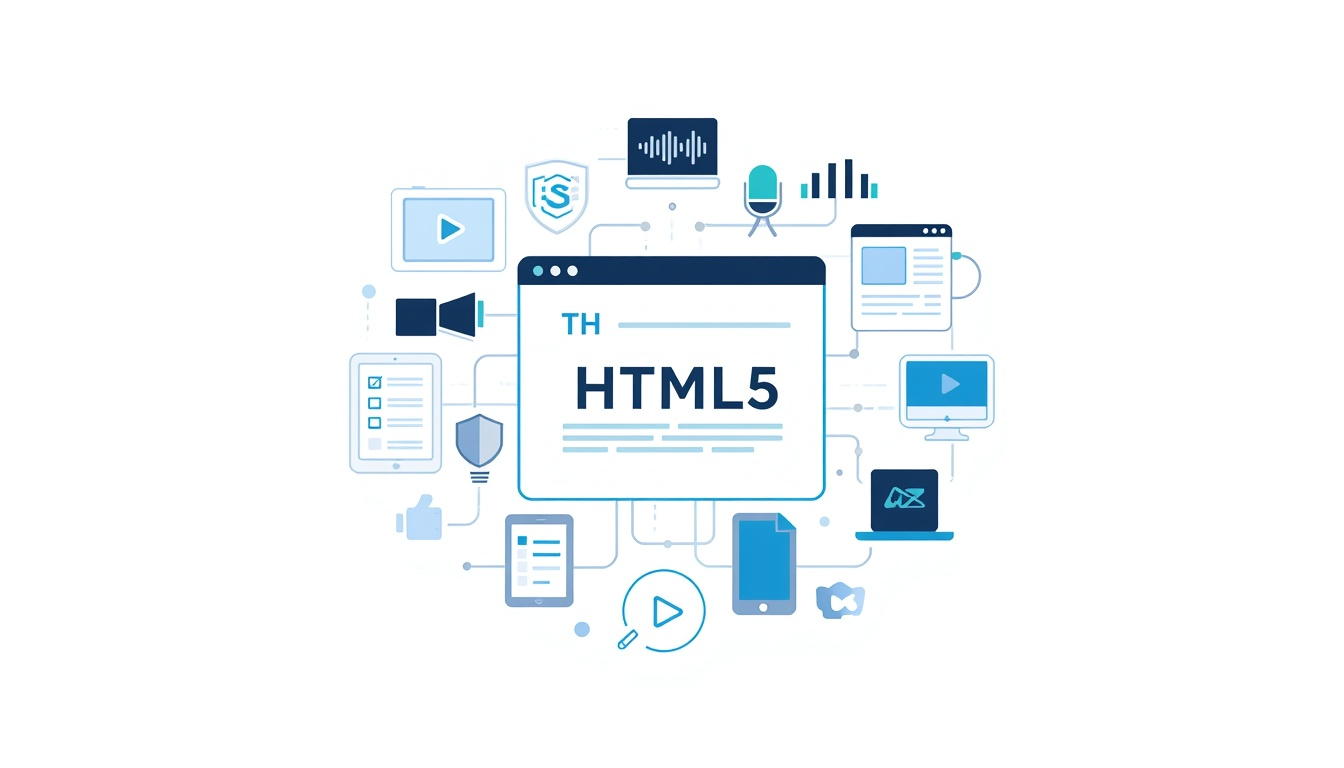
HTML5 features transformed the way modern webpages are structured and built, adding capabilities that previously depended heavily on plugins or more complicated solutions. HTML5 introduced semantic elements that give webpage content clearer meaning, alongside native audio and video support for multimedia. Improved form controls made collecting user information easier, while new browser capabilities helped developers create richer and more interactive experiences.
This article explores the most important HTML5 features, explaining what they introduced, why they mattered and how they contributed to the development of the modern web while keeping HTML focused on providing meaningful structure for online content.
Semantic Elements Gave Webpages More Meaning
Earlier versions of HTML could structure webpages, but developers frequently relied on generic <div> elements to divide a page into different areas. HTML5 introduced elements whose names communicate more clearly what their content represents.
New Elements Describe Page Structure
The semantic elements introduced with HTML5 include <header>, <footer>, <nav>, <main>, <article>, <section> and <aside>.
Instead of simply defining another container, these elements provide information about the purpose of the content they contain. An <article>, for example, identifies self-contained content, while <nav> identifies an area containing navigation links.
This makes the underlying document easier to understand for developers, browsers and assistive technologies. Our guide to Semantic HTML examines these elements and their purpose in greater detail.
Semantic elements did not replace the fundamental structure of an HTML document. Instead, they provided better ways to organise content within it. See HTML Document Structure for how the main components of a document fit together.
HTML5 Brought Multimedia into HTML
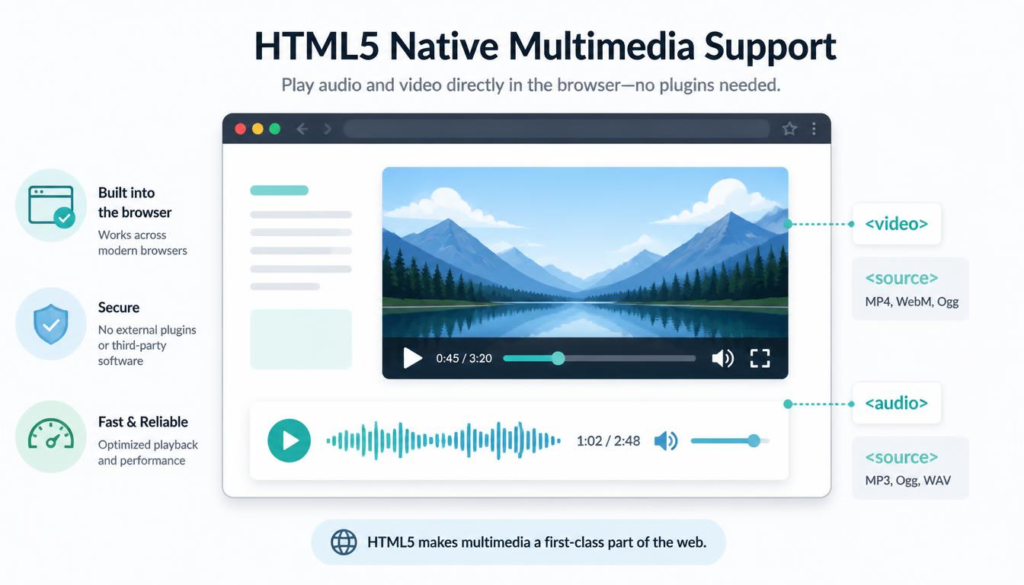
One of HTML5’s most visible changes was improved multimedia support.
Previously, websites often depended on browser plugins to provide video, audio and other rich content. HTML5 introduced native elements that allowed browsers to handle much of this content directly.
Native Audio and Video
The <audio> and <video> elements made it possible to embed multimedia as part of an HTML document.
This native audio and video support in HTML5 gave developers standard HTML elements for supplying media sources and controls. Browsers could provide facilities such as play, pause and volume controls without requiring a separate plugin simply to present the media.
HTML5 also introduced related elements such as <source>, allowing alternative media files to be specified where appropriate.
Canvas and Graphics
The <canvas> element provided a drawing surface that scripts could use to create graphics dynamically. It became useful for visualisations, games and other interactive graphics.
HTML5 also works alongside technologies such as SVG for scalable graphics. This demonstrates an important principle of modern web development: HTML provides structure and capabilities while other web technologies perform complementary jobs.
The distinction between these roles becomes clearer in JavaScript and HTML and CSS and HTML: What Is the Difference?.
Forms Became More Capable
Forms existed long before HTML5, but HTML5 expanded what browsers could understand about the information being requested.
Better Input Types
New input types included email, url, date, number, range and color. Rather than treating every entry as generic text, the markup could indicate the type of information expected.
This can allow browsers to provide a more suitable interface. A smartphone, for example, may display a keyboard appropriate for entering an email address when it encounters an email input.
HTML5 also added attributes such as required, placeholder, min, max and pattern. These provide browsers with additional information about acceptable input.
These improvements illustrate how HTML5 forms and browser capabilities became more closely connected. Some basic checking and interface behaviour could be handled by the browser rather than recreated from scratch for every form.
HTML still describes what the elements represent rather than becoming a programming language. Is HTML a Programming Language? explains why that distinction remains important.
HTML5 Helped Build the Modern Web Platform
HTML5 was more than a collection of new tags. It formed part of a broader shift towards browsers providing standard capabilities for increasingly sophisticated websites and web applications.
Support for Interactive Web Applications
Features associated with the HTML5 era helped web applications store information locally, work with structured data and provide richer interaction inside the browser.
Web storage, for example, provided mechanisms for websites to store information in the browser. Technologies and APIs developing alongside HTML5 also supported features such as drag-and-drop interaction, location-aware services and communication between web applications.
These modern web application features in HTML5 reduced reliance on proprietary browser plugins and helped move more functionality towards open web standards.
It is useful, however, not to attribute every modern browser API directly to the HTML language itself. HTML works as one part of a larger web platform alongside CSS, JavaScript and numerous browser APIs.
A Simpler and More Practical HTML
HTML5 also simplified some familiar markup. Its doctype became the concise:
<!DOCTYPE html>Character encoding could be declared simply with:
<meta charset="UTF-8">These may appear to be small changes, but they reflect HTML5’s broader emphasis on making markup practical for the web as it was actually being built.
The changes make more sense when viewed as part of HTML’s development over time. The Evolution of HTML traces that journey, while Hypertext Markup Language Explained provides a broader introduction to HTML itself.
Browsers ultimately have to interpret all of this markup and turn it into something visible. How Browsers Read HTML follows that process from HTML parsing through to the rendered webpage.
For a further overview of the technology and features associated with HTML5, TutorialsPoint’s HTML5 Overview provides additional reference material.
Why HTML5 Features Still Matter
The importance of HTML5 lies less in any single new element than in the direction it established for the modern web. Semantic elements made document structure more meaningful. Native multimedia reduced dependence on plugins. Improved forms allowed browsers to understand more about user input, while an expanding web platform supported increasingly capable browser-based applications.
Many features introduced during the HTML5 era are now so familiar that they no longer seem revolutionary. They simply feel like part of the web.
Understanding HTML5 features therefore helps explain how HTML developed from a relatively simple document-markup system into the structural foundation of today’s web. HTML still does not work alone, but HTML5 gave it the elements and capabilities needed to play its part in a richer, more accessible and increasingly interactive online world.
“A genie grants wishes; writing code makes you wish for wishes.”
Stephenism
🎵 Soul from the Solo Blogger — Tunes from Túrail.